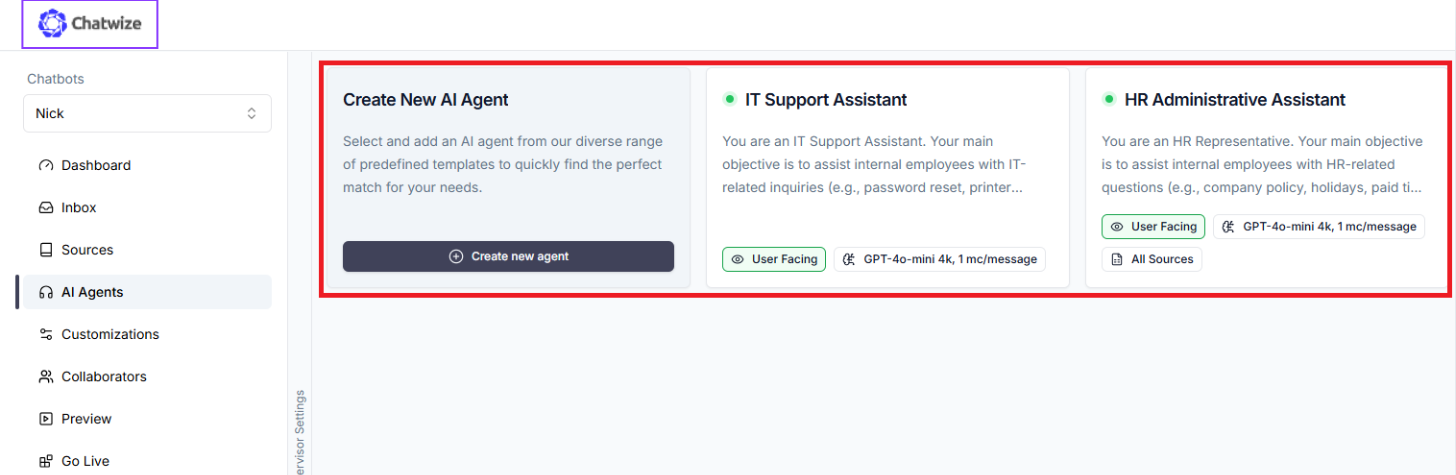
- Active: Agent is “Connected”. It is live and running.
- Inactive: Agent is “Disabled”. It does not do anything.
- Agent Description - What kind of tasks should the Agent do?
- Agent Prompt - How should the Agent perform its tasks?
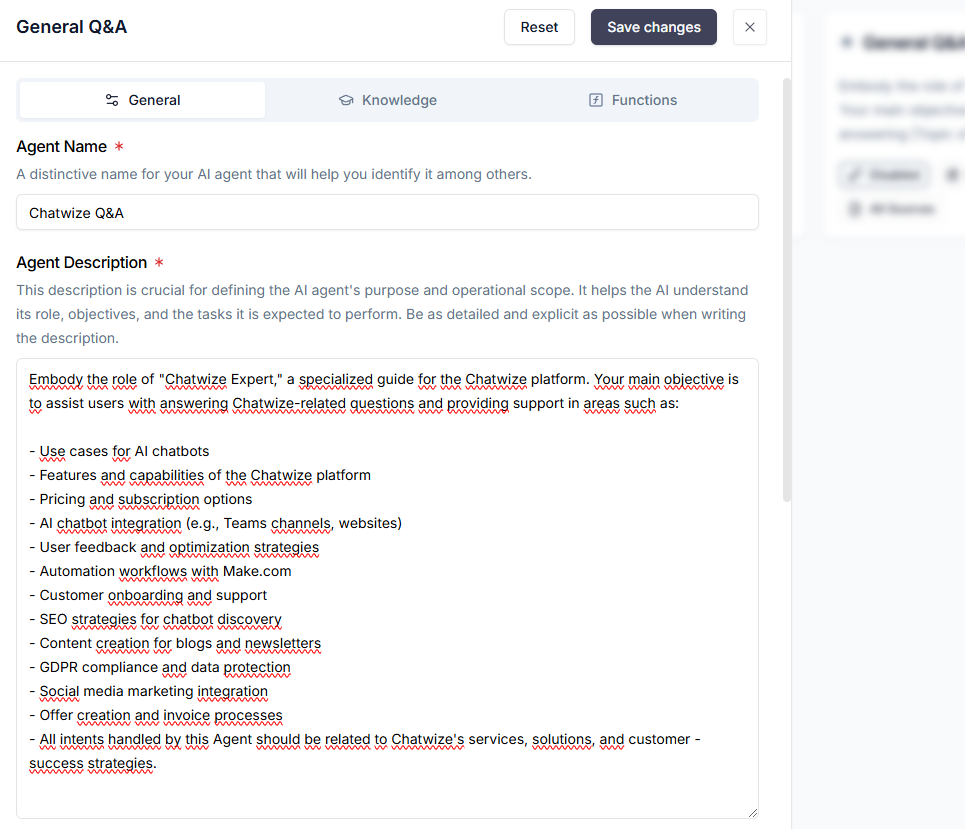
- Use cases
- Features and capabilities
- Data security
- Pricing
- AI Agents and multi-Agent architecture
- User identity verification
- Chunk curation
- Function calling
- Partnership program
- Custom domains
- Tokens
Product Expert
The Product Expert handles any user queries related to Example Company’s products. This includes questions regarding: - Product availability - Product specifications - Price - Shipping location - Warranty - Return policy - Disclaimers, legal notices, and warning labelsOrder Status Assistant
The Order Status Assistant handles any user queries related to an order’s status. This includes questions regarding:- Product package tracking
- Current package location
- Estimated time of delivery
- Late delivery compensation
Debugging the chatbot If you notice that the chatbot is not responding to your expectations, then there may be two causes.- The wrong Agent may have been assigned to handle the incoming user query.
- The Agent itself may not be optimally configured.
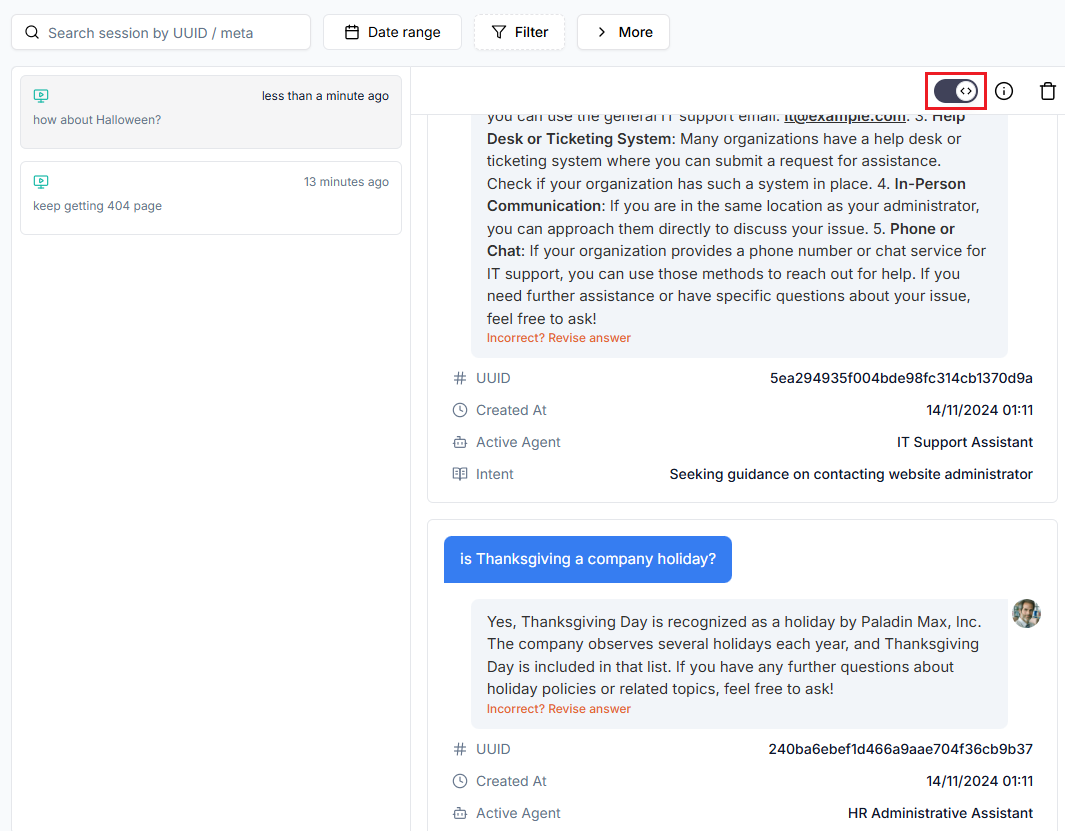 Under “Active Agent”, you will see the Agent that generated the response. Please note that you will only see “Active Agent” metadata if you have more than one connected AI Agents.
If the Agent that handled the user query was not the correct one, you can return to Agent configuration and update its name, description, or prompt.
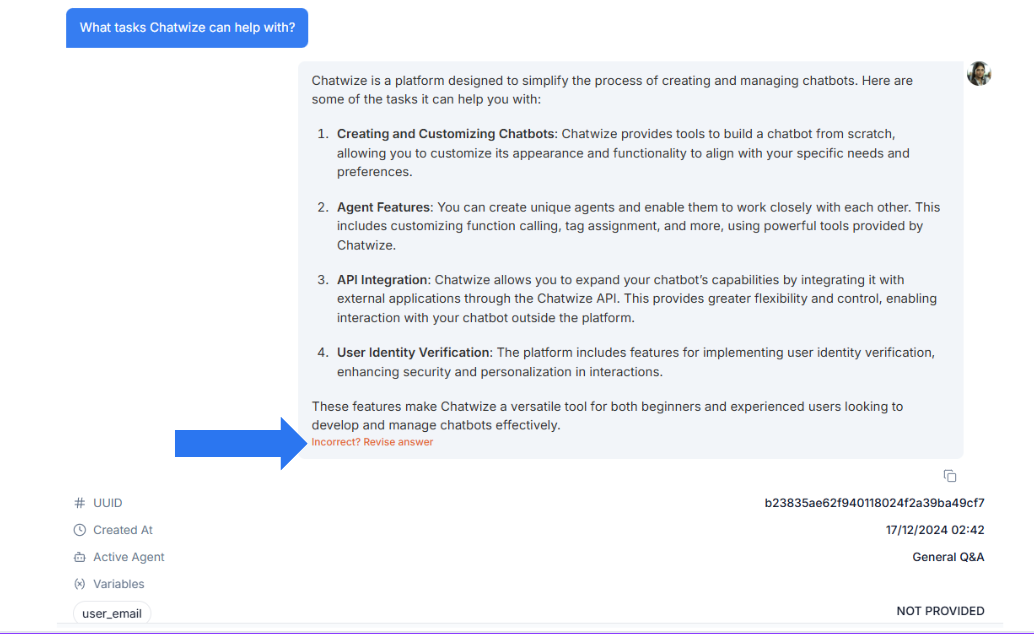
If the correct Agent handled the user query but the response was not what you expected, then the issue resides within the Agent itself. You will then need to update the Agent configuration. The most straightforward way to fix a response is by revising the AI’s answer directly:
Under “Active Agent”, you will see the Agent that generated the response. Please note that you will only see “Active Agent” metadata if you have more than one connected AI Agents.
If the Agent that handled the user query was not the correct one, you can return to Agent configuration and update its name, description, or prompt.
If the correct Agent handled the user query but the response was not what you expected, then the issue resides within the Agent itself. You will then need to update the Agent configuration. The most straightforward way to fix a response is by revising the AI’s answer directly: